BitLife on PC: Is There an Official PC Version?
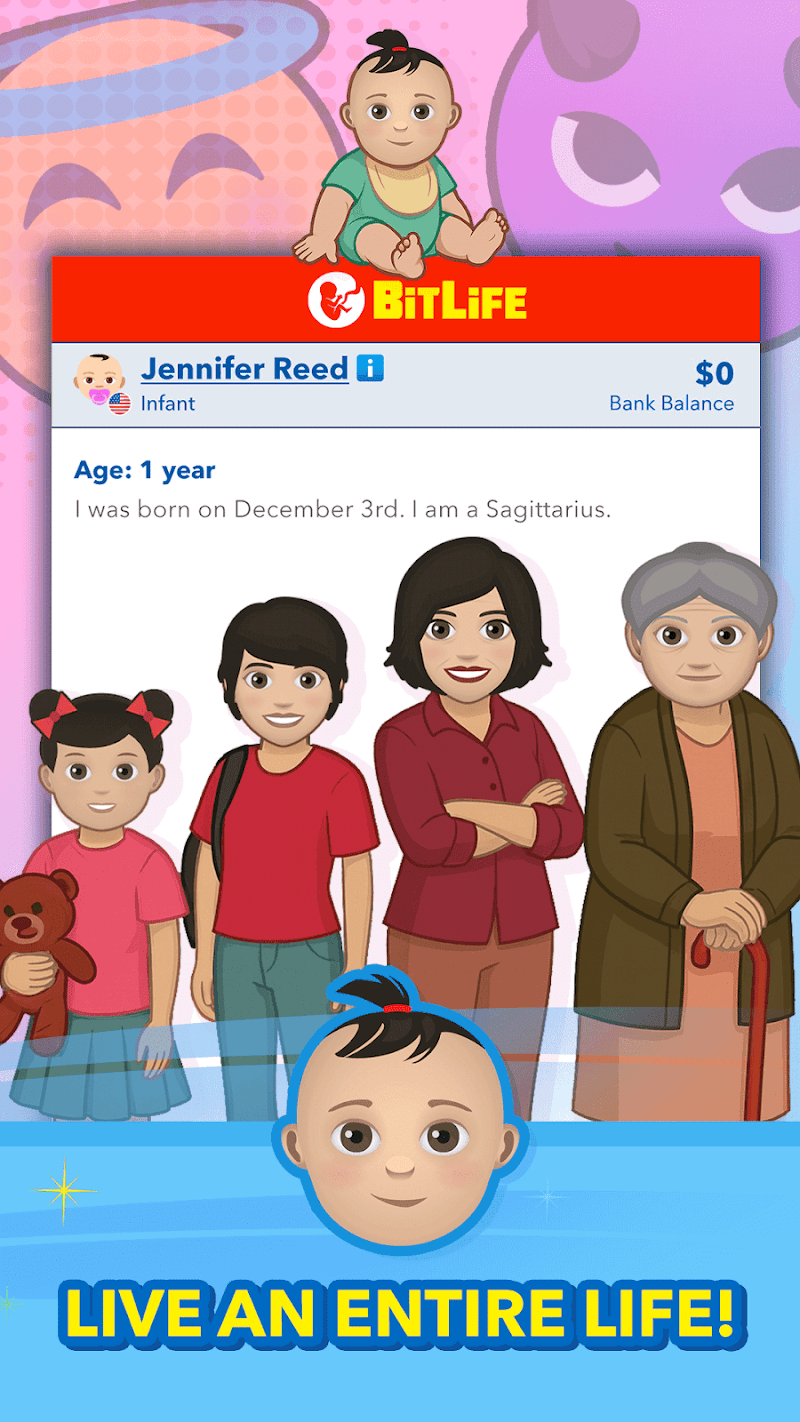
Many players search for bitlife on pc because they want a bigger screen, a keyboard, and longer play sessions. The short and honest answer is simple: there is no official native PC version of BitLife. Candywriter, the developer, has not released BitLife for Windows, Mac, or Steam. The official game is a mobile game for Android and iOS only.
In this guide, we explain what is official, what is not, and how to stay safe if you want a bigger screen.
Table of Contents
Is There an Official BitLife PC Version?
No. As of now, there is no official BitLife PC version, no Steam release, and no Windows or Mac installer from Candywriter.
What the official listings show
The only official places to get BitLife are the mobile stores. You can download the game from Google Play for Android, or from the App Store for iPhone and iPad. Both listings show Candywriter, LLC as the developer. If a website claims to offer an official PC installer, that claim is not true.
Why players still see “PC version” pages online
Search results are full of pages that promise a PC version. Most of these pages do one of three things. Some simply copy the mobile game’s description and add the words “for PC” to attract clicks. Some push you toward third-party download files that are not from Candywriter. And some are built only to show ads or install unwanted software on your computer. None of them is an official release.
If you want background on the game itself, the BitLife Wiki also lists the game as a mobile title, which matches the official store listings.
Your Official Options for a Bigger Screen
You cannot install a native PC client, but there are still honest, official ways to enjoy the game beyond a small phone screen.
Option 1: Play on a Chromebook through Google Play
Many modern Chromebooks support Android apps through Google Play. If your Chromebook supports the Play Store, you can install BitLife the same way you would on an Android phone, using the same official listing and the same developer.
A few honest limits apply. Not every Chromebook supports Android apps, especially older models, and touch controls work best. Google explains which Chromebooks can use Android apps and how to turn the Play Store on.
If it works on your model, this is the closest thing to an official “big screen” version, because you are still using the real app from the official store.
Option 2: Play on a tablet
An Android tablet or an iPad gives you the same official game on a much larger screen, with no extra software and no risk. Your purchases and progress stay tied to your normal store account, and updates arrive the normal way. For most players, this is the easiest answer to the big-screen problem.
Option 3: Keep playing on mobile — it is the intended experience
BitLife was designed around short, tap-based decisions. A life can be played in small sessions, and the game saves as you go. Playing on your phone also means you always get the latest official update first, including new challenges and events, without waiting for any other platform.
If you are new to the game, start with our BitLife Guide homepage, where we collect our beginner tips, challenges, and explainers in one place.
Why Third-Party “PC Download” Sites Are Risky
It is tempting to click the first download button you see. Please slow down here, because the risks are real.
The file is not from the developer
An unofficial file can be changed in ways you cannot see. It may be an old version, it may be bundled with extra software, or it may ask for permissions a simple game should never need. Because it does not come from Google Play or the App Store, nobody has checked it the way the official stores check their apps.
Your accounts and device can be harmed
Some unofficial download sites exist mainly to push pop-ups, fake update warnings, or installers for unrelated programs. Players have lost accounts and devices to this kind of download in many games, not just this one. The safe rule is simple: if the developer did not publish it, do not install it.
Your progress and purchases may not be safe
Unofficial versions are not connected to the official stores in the normal way. That means paid packs may not work, your purchases may not restore, and your saved lives can be lost when something breaks. If you care about paid content, it is worth understanding what the official packs actually include before you buy anything — see our explainer on BitLife Premium and God Mode for a clear, honest breakdown.
What About Playing in a Browser?
Some players also ask about a browser version. There is no official browser version of BitLife either. Websites that let you “play BitLife online” in a browser are not run by Candywriter, and they are usually copies, clones, or simple look-alike games with the same name style.
A clone will not have the full careers, challenges, and updates of the real game, and your progress there does not transfer. If a site asks you to sign in, download a helper file, or turn off security settings to “play online,” close the tab.
How to Get the Real Game Safely
Follow these simple steps and you will always have the genuine game:
- Open Google Play on Android, or the App Store on iPhone or iPad.
- Search for “BitLife – Life Simulator.”
- Check that the developer name is Candywriter, LLC.
- Install the game and open it from your home screen.
That is all. There is no extra file, no installer, and no activation step. If you later want to make your lives more interesting, guides like our walkthrough on how to earn money in BitLife can help you get more from the free game before you spend anything at all.
FAQs
Is BitLife free on PC?
There is no official PC version of BitLife, free or paid. The official game is free to download on Android and iOS from Google Play and the App Store, with optional paid packs inside the app.
Is BitLife available on Steam?
No. BitLife is not available on Steam, and Candywriter has not announced an official Steam release.
Can I play BitLife on a Chromebook?
Yes, if your Chromebook supports Android apps through Google Play. You can then install the official app from the Play Store, just like on an Android phone. Older Chromebooks may not support this.
Are websites that offer a BitLife PC download safe?
No, they are not official, and they can be risky. They may offer changed files, push unwanted software, or simply waste your time with fake download buttons. Only trust Google Play and the App Store.
Will my mobile progress transfer to a PC version?
There is no official PC version, so there is nothing to transfer to. Your progress stays in the mobile app linked to your device and store account.
Get the Official Game
Download BitLife by Candywriter only from the official stores:
About the BitLife Guide Team
Written by the BitLife Guide team — we play BitLife daily and write simple, honest guides for new and returning players.